Abbreviations / Acronyms
Enable the texsmith.abbr extension and you can sprinkle definitions directly into your Markdown. Drop the abbreviation between square brackets, follow it with the expanded form in parentheses, and the parser does the rest.
The HTML specification is maintained by the W3C.

*[HTML]: HyperText Markup Language
*[W3C]: World Wide Web Consortium
TeXSmith renders that snippet as:
$ uv run texsmith abbr.md
The \acrshort{HTML} specification is maintained by the \acrshort{W3C}.
Which displays as:
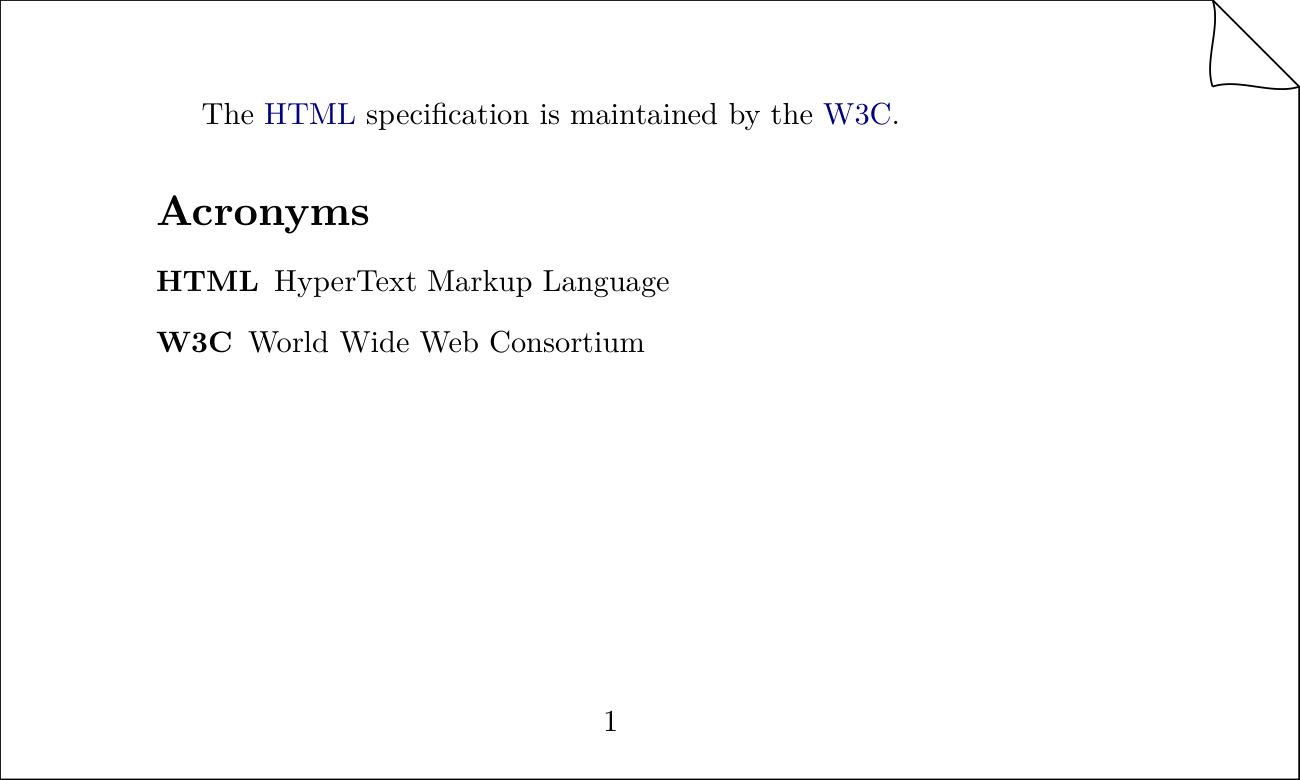
Of course, this also works on this HTML site. Try hovering over the abbreviations.
Acronyms are collected automatically during the LATEX pass:
$ uv run texsmith test.md -tarticle 1>/dev/null
$ rg newacronym build/test.tex
92:\newacronym{HTML}{HTML}{HyperText Markup Language}
93:\newacronym{W3C}{W3C}{World Wide Web Consortium}
Front-matter glossary
For longer documents you can declare acronyms in a structured glossary: section
in the YAML front matter. Each entry carries an explicit description and may be
attached to a group; TeXSmith renders one localised \printglossary table per
group (in declaration order) followed by a default table for ungrouped entries.
The legacy *[KEY]: … body syntax keeps working and merges with the
front-matter entries.
---
glossary:
  style: long           # default; any glossaries-package style works
  groups:
    technique: Acronymes techniques
    institutionnel: Acronymes institutionnels
  entries:
    API:
      group: technique
      description: Application Programming Interface
    ONU:
      group: institutionnel
      description: Organisation des Nations Unies
    DOI: Digital Object Identifier   # short form: ungrouped, description only
---
The section is validated with pydantic, so unknown keys, missing descriptions,
or references to undeclared groups raise a clear error at conversion time. The
default acronym-table title follows the document language (it expands to
\acronymname from the glossaries package, which is localised by babel).
Automatic substitution and limitations
Unlike LATEX, TeXSmith does not require \gls{…} / \Gls{…} calls in the
source: the converter scans the body and replaces every strict, case-sensitive
match of an acronym key with \acrshort{KEY}. As a consequence, casing helpers
such as \Gls, \GLS, \acrlong, etc. are not synthesised — the substitution
is the same regardless of where the acronym appears in the text. If you need
those forms, drop down to raw LATEX (e.g. with an explicit \Gls{KEY} written
as a raw-LATEX inline).