Diagrams
Markdown doesn’t have to be flat text. Here’s how we wire live Mermaid and Draw.io diagrams straight into TeXSmith, no opaque binaries, friendly diffs.
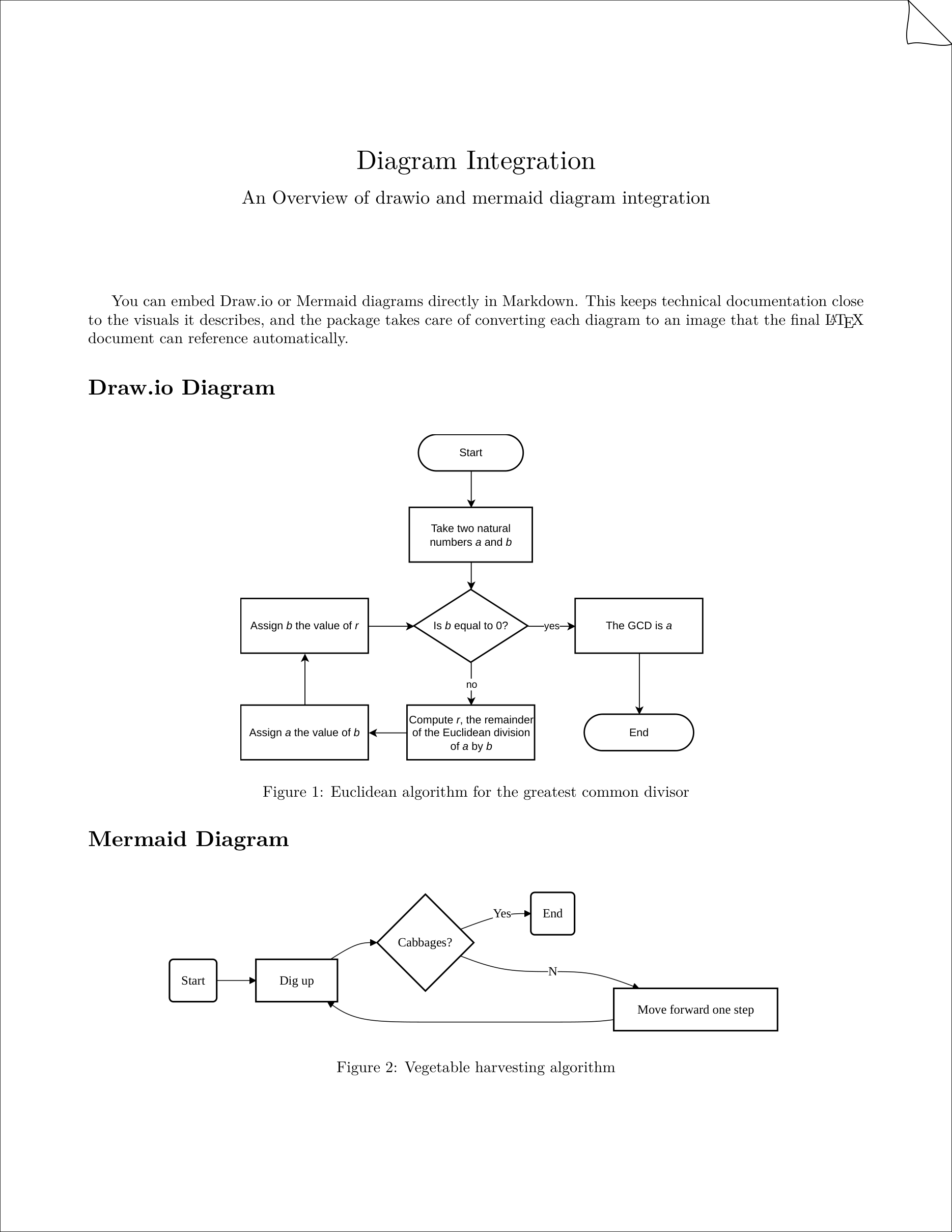
Here is the source:
---
press:
subtitle: "An Overview of drawio and mermaid diagram integration"
paper:
margin: 2cm
---
# Diagram Integration
You can embed Draw.io or Mermaid diagrams directly in Markdown. This keeps
technical documentation close to the visuals it describes, and the package
takes care of converting each diagram to an image that the final LaTeX
document can reference automatically.
## Draw.io Diagram
{width=60%}
Figure: Euclidean algorithm for the greatest common divisor
## Mermaid Diagram
```mermaid image width="80%"
%% Vegetable harvesting algorithm
flowchart LR
    start(Start) --> pick[Dig up]
    pick --> if{Cabbages?}
    if --No--> step[Move forward one step]
    step --> pick
    if --Yes--> stop(End)
```
Rendered Markdown
Obviously everything built with TeXSmith can also be rendered in this very Markdown file:
Draw.io Diagram

Mermaid Diagram
A bare mermaid fence is sugar for mermaid image and is kept indefinitely,
because that is what MkDocs Material renders natively.
%% Vegetable harvesting algorithm
flowchart LR
start(Start) --> pick[Dig up]
pick --> if{Cabbages?}
if --No--> step[Move forward one step]
step --> pick
if --Yes--> stop(End)Draw.io backend choice
TeXSmith now tries a Playwright-based exporter first (cached under ~/.cache/texsmith/playwright), falling back to the local drawio/mmdc CLI and finally the Docker image. Force a specific path with --diagrams-backend=playwright|local|docker if needed.