Getting Started
In our journey to typeset beautiful documents with TeXSmith, we'll start with the basics:
- Turn Markdown or HTML into LaTeX/PDF.
- Drop TeXSmith into an existing MkDocs site.
- Drive it from Python.
Hop to the section you need or read straight through for the big picture.
Installation
To install TeXSmith, use your preferred Python package manager:
pip install texsmith
pipx install texsmith
uv tool install texsmith
For basic use, you don't need anything else. TeXSmith bundles Tectonic for LaTeX builds and will auto-install the required tools on demand.
To build with the Typst backend (--format typst), install the embedded compiler as an extra so no system binary is required:
pip install "texsmith[typst]"
uv tool install "texsmith[typst]"
A system typst binary on your PATH is detected automatically as a fallback. See Output backends for details and the math caveat.
Convert a Markdown file to LaTeX
By default TeXSmith writes LaTeX to stdout. Pipe it or direct it into a folder. HTML works too:
$ cat << EOF | texsmith
# Title

Some **bold** text.

- Foo
- Bar
EOF
\section{Title}

Some \textbf{bold} text.

\begin{itemize}
\item Foo
\item Bar
\end{itemize}
$ printf '# Title\n\nSome **bold** text.\n' > sample.md
$ texsmith sample.md
\section{Title}

Some \textbf{bold} text.
Add --output build/ to write build/sample.tex instead of printing.
$ echo "<h1>Title</h1><p>Some <strong>bold</strong> text.</p>" > sample.html
$ texsmith sample.html
\section{Title}

Some \textbf{bold} text.
Generate a PDF
Want the full PDF? Start with our playful booby example or create your own booby.md:
---
press:
title: Booby
author: Yves Chevallier
date: 2025-11-16
template: article
---
## Introduction
Boobies are seabirds in the genus *Sula*, family Sulidae. They are
large, long-winged birds that plunge-dive for fish. The name "booby"
originates from the Spanish word "bobo", meaning "stupid" or "clown",
due to the birds' apparent lack of fear of humans.
{width=30%}
## Particularities
Boobies have several distinctive features:
- They have brightly colored feet, which they use in mating displays.
- They are known for their spectacular diving ability, plunging into
the water from great heights to catch fish.
Notice the front matter up top: it carries the title, author, date, and template to use.
Then let TeXSmith crunch it:
texsmith booby.md --output build/ -apaper=a5 --build
With Tectonic as the default engine, fonts, packages, and dependencies resolve themselves on demand (including Tectonic if it is missing). Nothing else to install.
Enjoy a fresh PDF at build/booby.pdf:
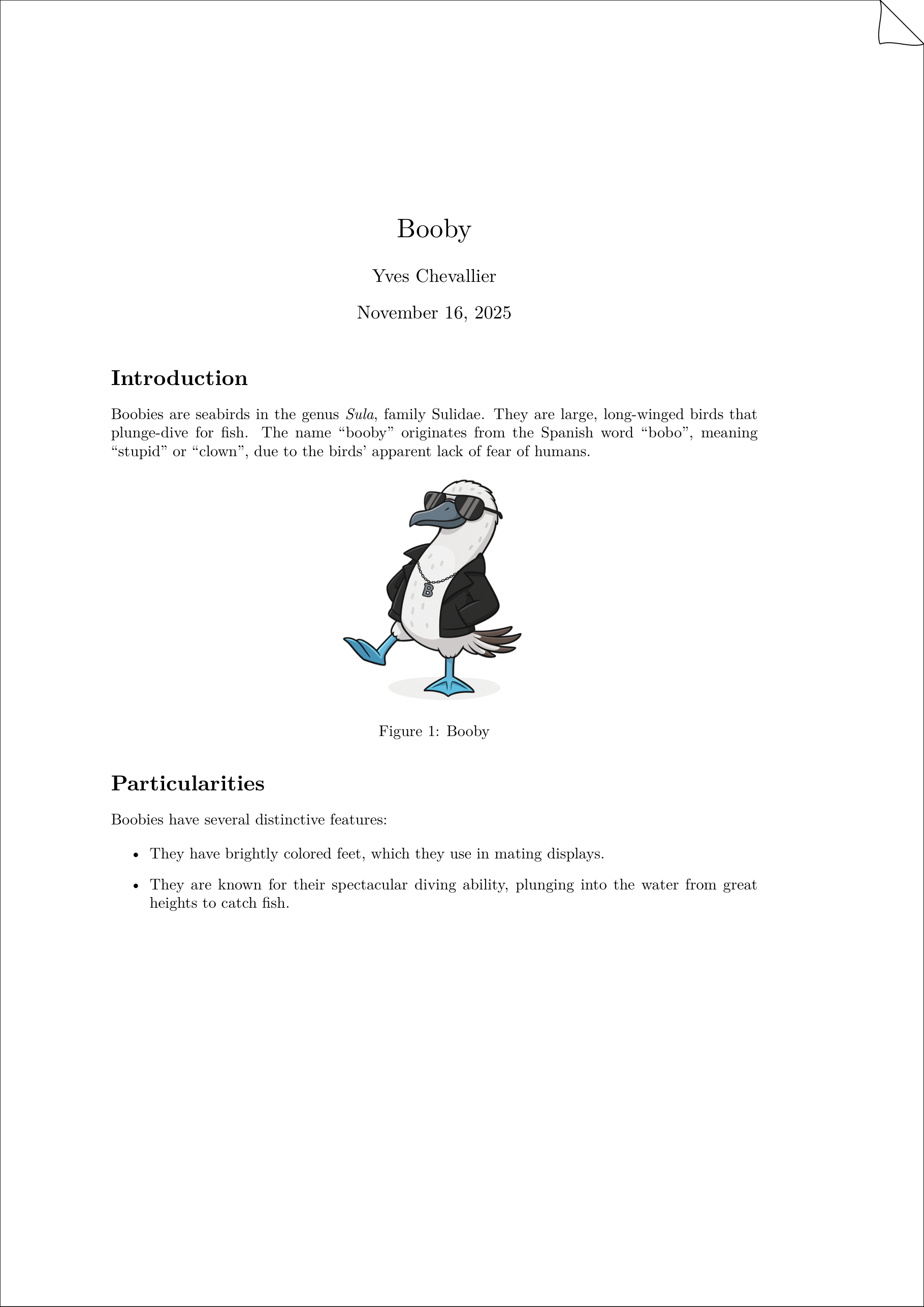
Peek inside build/ to find booby.tex. Swap --template when you want a different LaTeX project layout or polish level:
texsmith booby.md --template article --output-dir build
The default toolchain is tectonic, which auto-installs itself and required packages. If you prefer using your system LaTeX installation, specify --engine lualatex or --engine xelatex instead. Both commands yield doc.pdf in the current directory. Open it to see the rendered output.
If you want to customize the layout, choose a template with --template article, --template book or --template your-own-template.
You may want to pass additional LaTeX options such as -apaper=a4 or -amargin=1in to tweak page geometry:
Check a document before you build
TeXSmith reads TMark, and the tmark toolchain checks a
document without rendering anything:
tmark check --strict document.md   # parse, resolve and lint; exit 1 on any finding
tmark lint --fix --diff document.md # preview the rewrite of deprecated spellings
tmark lint --fix document.md        # apply it in place
check reports what the converter will see: unresolved references, undeclared
counter prefixes, malformed tables, deprecated spellings. Coming from TeXSmith
0.6? Every spelling you know still works, and
Migrating to TMark lists what changed and what rewrites it.
texsmith reports the same findings in the same shape while it renders. Add
--strict to refuse to build a PDF from a document that has any, -q to hide
the hints and info lines, and --diagnostics-json FILE to hand the lot to an
editor or to CI:
texsmith report.md --build --strict --deprecated info
--deprecated info keeps the 0.6 spellings from failing a strict run while you
work through them. See Diagnostics.
Optional prerequisites
- LaTeX distribution
- Install TeX Live, MiKTeX, or MacTeX if you want TeXSmith to hand off builds to
latexmk(--engine lualatex/--engine xelatex). The default route uses Tectonic, which auto-installs itself and required packages. - Typst compiler
- Needed only for
--format typst --build. Install the embedded compiler withpip install "texsmith[typst]", or put atypstbinary on yourPATH. Emitting the.typsource (without--build) needs no compiler. See Output backends. - Diagram tooling
- Mermaid-to-PDF (
minlag/mermaid-cli) conversion falls back to Docker. Install Docker Desktop (with WSL integration on Windows) or register your own converter if Mermaid diagrams are common in your docs.
Draw.io and Mermaid diagrams try a Playwright exporter first (cached under ~/.cache/texsmith/playwright), then the local CLI, then Docker (rlespinasse/drawio-desktop-headless / minlag/mermaid-cli). Use --diagrams-backend=playwright|local|docker to pin a specific backend.
- Fonts
- TeXSmith ships with Noto fallback for wide Unicode coverage. Add your own fonts if you want a specific script or branded look.
- Legacy LaTeX accents
- By default TeXSmith emits Unicode glyphs. If you need legacy LaTeX accent macros, pass
--legacy-latex-accentson the CLI or setConversionRequest(legacy_latex_accents=True)in the API.
Use the Python API
TeXSmith also ships as a Python library. Create demo.py:
from pathlib import Path
from texsmith import Document, convert_documents

bundle = convert_documents(
    [Document.from_markdown(Path("intro.md"))],
    output_dir=Path("build"),
)

print("Fragments:", [fragment.stem for fragment in bundle.fragments])
print("Preview:", bundle.combined_output()[:120])
Run the snippet with python demo.py. The API mirrors the CLI; reach for ConversionService or TemplateSession when you need fine-grained control over slot assignments, diagnostics, or template metadata.
Convert a MkDocs site
Point TeXSmith at a MkDocs site after mkdocs build renders clean HTML:
# Build your MkDocs site into a disposable directory
mkdocs build

# Convert one page into LaTeX/PDF-ready assets
texsmith build/site/guides/overview/index.html \
  --template article \
  --output-dir build/press \
  docs/references.bib
Tip
When your site spans multiple documents, repeat the command per page and stitch them together with template slots (for example, --slot mainmatter:docs/manual/index.md).
For live previews, point TeXSmith at the temporary site directory that mkdocs serve prints on startup.
Once the LaTeX bundle looks good, add --build to invoke your engine of choice or wire it into CI so MkDocs HTML → TeXSmith PDF runs on every build.